Antigravity
EDB Postgres Advanced 18 HA Cluster: Production Implementation Guide
March 16, 20265 min read
Version 18
EDB Postgres Advanced
HA Cluster Production Implementation Guide
คู่มือการติดตั้งและตั้งค่าระบบฐานข้อมูล High Availability แบบครบวงจร
⚡ Patroni
🔑 etcd
⚖️ HAProxy
🔄 Keepalived
🔑 etcd
⚖️ HAProxy
🔄 Keepalived
📝 จัดทำโดย Sawee Kumkubkij • nuteo.info • 2568
📑 สารบัญ
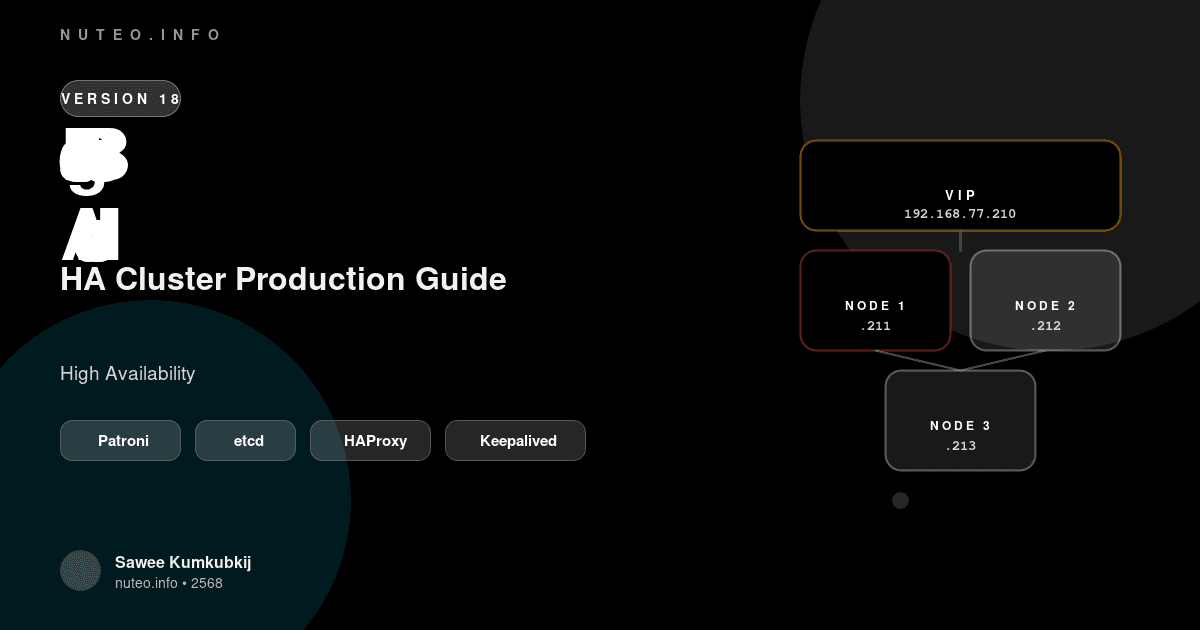
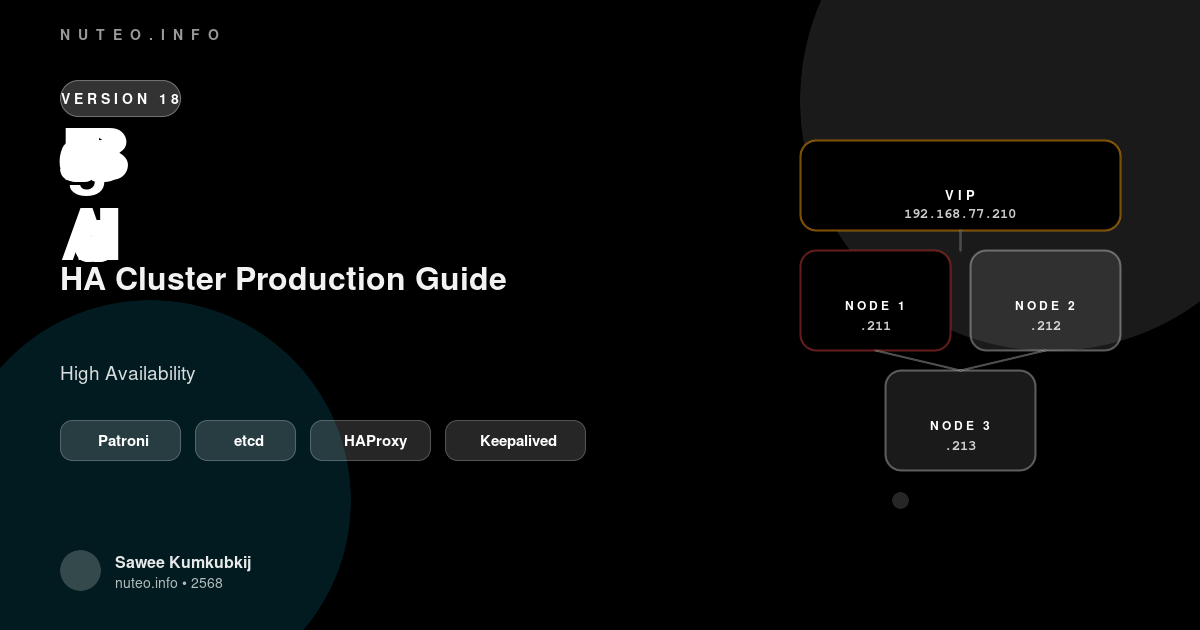
📌 ข้อมูลเครือข่าย (Network Plan)
🎯
Virtual IP
192.168.77.210
Load Balancer
👑
Node 1
192.168.77.211
MASTER
📦
Node 2
192.168.77.212
REPLICA
📦
Node 3
192.168.77.213
REPLICA
📝 การตั้งค่าไฟล์ /etc/hosts
💡 รันทุกโหนด (Node 1, 2 และ 3)
cat <<EOF >> /etc/hosts

# EDB Postgres HA Cluster Nodes
192.168.77.211 edb-node1
192.168.77.212 edb-node2
192.168.77.213 edb-node3

# Cluster Virtual IP (VIP)
192.168.77.210 edb-as18-vip
EOF
🛠️ ส่วนที่ 1: เตรียมระบบพื้นฐาน
รันคำสั่งเหล่านี้ในทุกโหนด (Node 1, 2 และ 3)
1ลงทะเบียน EDB Repository และอัปเดต OS
dnf update -y

curl -1sSLf 'https://downloads.enterprisedb.com/xxxxxxxxxxxxxxxxx/enterprise/setup.rpm.sh' \
| sudo -E bash
2ติดตั้ง Engine และเครื่องมือ HA Stack
dnf install -y epel-release wget curl net-tools vim bash-completion

dnf -y install edb-as18-server haproxy keepalived python3-pip python3-devel gcc
3ติดตั้ง Patroni & etcd
pip3 install patroni[etcd] psycopg2-binary
ln -sf /usr/local/bin/patronictl /usr/bin/patronictl

wget https://github.com/etcd-io/etcd/releases/download/v3.5.12/etcd-v3.5.12-linux-amd64.tar.gz
tar xzvf etcd-v3.5.12-linux-amd64.tar.gz && cp etcd-v3.5.12-linux-amd64/etcd* /usr/bin/
4แก้บั๊ก Binary Path
🚨 ขั้นตอนสำคัญ — ห้ามข้าม! สร้าง Symlink ให้ Patroni รู้จัก edb-postgres
ln -sf /usr/edb/as18/bin/edb-postgres /usr/edb/as18/bin/postgres
📄 EDB Postgres Advanced 18 HA Cluster Guide
จัดทำโดย Sawee Kumkubkij • nuteo.info • 2568
Need a professional solution?
Let's discuss how we can help your business grow.